Taking effective meeting notes with Tana
4 December 2023 · 3 min read
- tana
- meeting-notes
- workflow
- pkm
Introduction
Taking effective meeting notes is a fundamental professional skill. Effective meeting notes are defined by ensuring that meeting time is well-leveraged with adequate preparation, and that teams can move towards desired outcomes by resurfacing relevant information when required and tracking progress after the fact. Where necessary, key insights should be distilled and made accessible to all involved.
Why is Tana great for taking meeting notes?
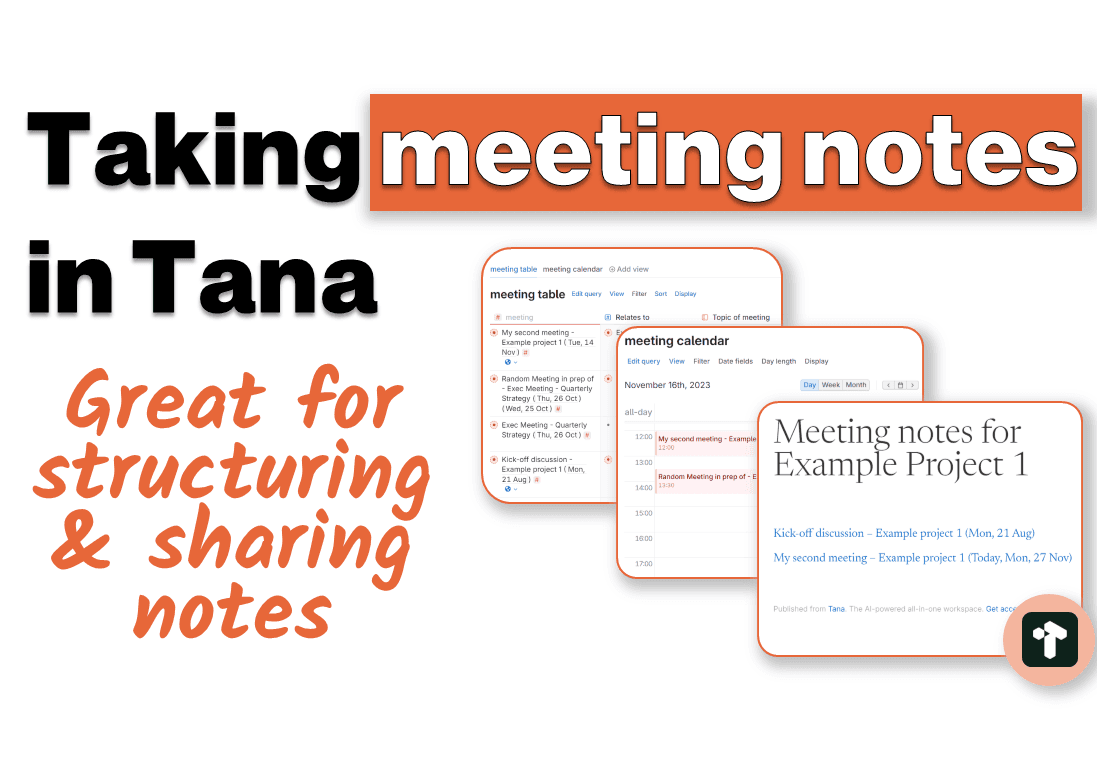
Tana presents a unique blend of features that make it an excellent companion for taking meeting notes. It offers a structured, yet flexible tool that can be adapted to suit an array of workflows. Some noteworthy features are listed below.
Combination of personal and shared workspaces
Tana allows for separation between personal and shared workspaces. This means that you can take personal notes in one workspace, and professional notes in another. Perhaps you want to take professional notes that aren't ready to share yet? You can make these notes in your personal workspace, and then easily move them over when they are ready to be shared. Tana have built a powerful and intuitive user interface, which makes the seamless integration of information across workspaces simple.
Publishing of notes
In addition to the collaborative features, Tana allows users to publish their notes to the web. This feature facilitates easy external sharing of notes for users who do not have access to Tana, which may be crucial when engaging with stakeholders outside your organization.
Structured inputs
Tana's implementation of fields and supertags allow users to rapidly enter information anywhere in their workspace in a well-structured manner, making it easy to retrieve. Configuring field inputs is simple and intuitive, allowing users to easily build the necessary relationships between units of information. These structures also enable users to access their information in a number of views, such as kanbans or tables, which helps easily manage and organize notes and related action items.
Calendar view and time-blocking
On the topic of views, Tana has a nifty calendar view which allows users to visualize and organize their schedules. In my experience, it has been particularly useful for time-blocking and planning my days. Unfortunately, there are still no native calendar integrations (e.g. with Google Calendar), although some users have built their own workarounds.
Managing tasks and action items
Tana makes it easy to categorize and manage actionable information. You can convert supertags to display as checkboxes, enabling you to easily cross off items as you go. It is simple, well-implemented features like this that go a long way to improving the user experience in managing our endless to-do lists.
Simple and intuitive queries
One of the most important features in an effective note taking system is the ability to retrieve your notes in the right context. Tana has powerful query abilities that are easily accessed via the command line, or a visual query builder, making it easy to resurface and narrow down the information you are looking for.
Some potential drawbacks to consider
Despite these benefits, Tana has some limitations which may be dealbreakers for some users. There is currently no offline access of your notes, and if you don't have an internet connection, you cannot use Tana. This is on the roadmap as a priority, though.
Another issue for some users is that user data is stored on the cloud. Whilst Tana is committed to the highest standards of security, this may present implementation challenges for enterprise teams, or users who require privacy guarantees.
Finally, it's important to acknowledge that Tana has a steep learning curve, although familiarity with tools like Notion or Logseq can ease the transition.
Conclusion
Tana offers a robust platform for taking and managing meeting notes. In particular, the collaborative features and structured approach to note-taking stand out. Whilst it may come with some challenges, I believe it can significantly enhance your note-taking process.
My advice is to start with simple workflows, and gradually explore more advanced features as you go along. You should only think about automating your workflows once you have built a strong foundation and developed repeatable patterns of usage. Simplicity equals efficiency in the long run.
If you're looking for in-depth guidance and a structured approach to learning Tana, check out Unlock Tana.